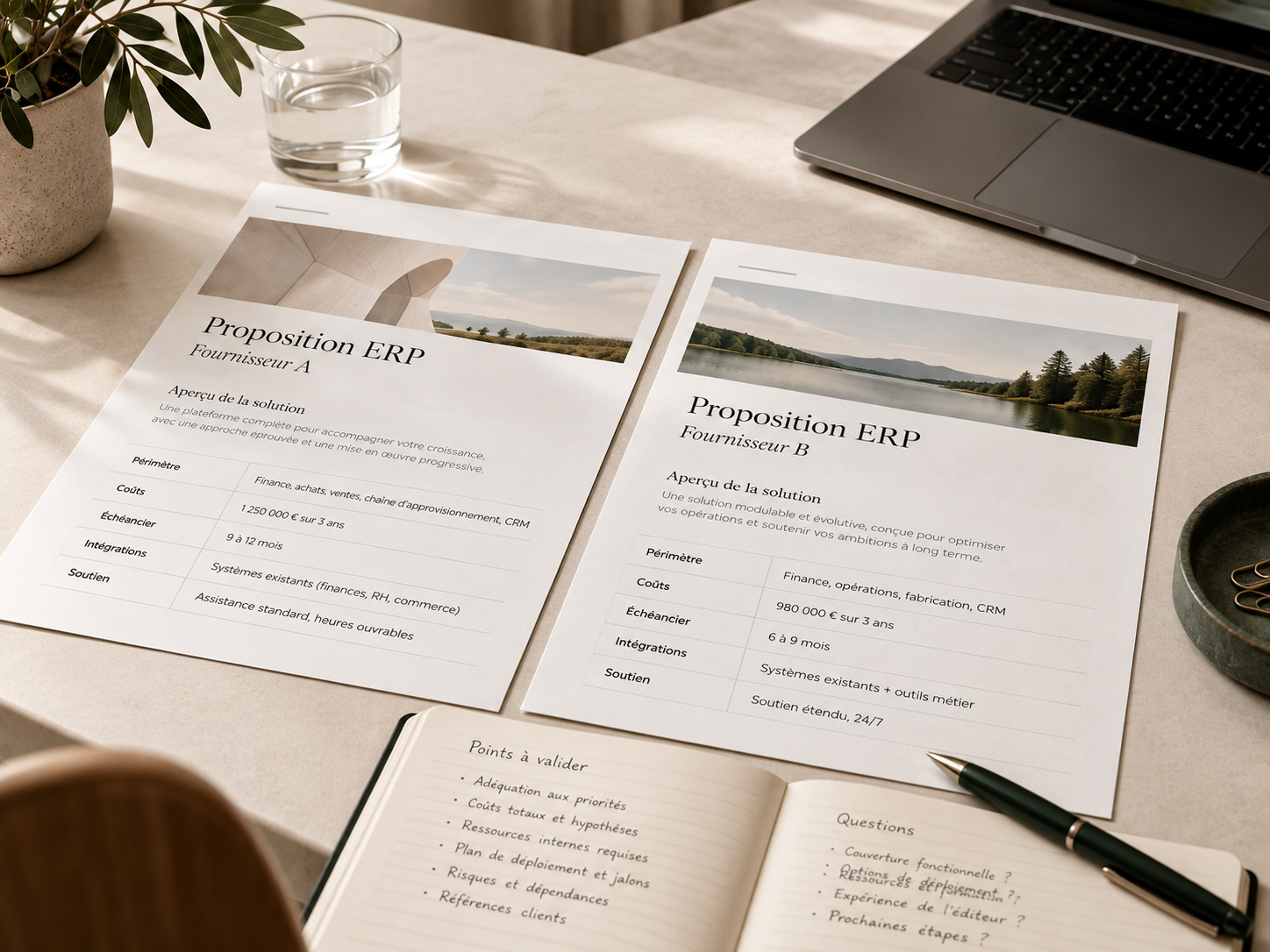

- Compare keeping NAV, migrating to Business Central and replacing the ERP.
- Assess C/AL code, historical data and integrations.
- Require comparable business proof and project quotes.
An organization may have relied on Dynamics NAV for years while its operations, integrations and controls have changed. Still, moving automatically to Business Central is not always the right decision. Choose the system that fits your future business first, then decide how to move the data and applications.
Should you keep Navision, migrate to Business Central or replace the ERP?
- Keep NAV temporarily. This can make sense when operations are well served and you have a defined support, risk and replacement plan. Without a plan, it may simply defer cost and risk.
- Move to Business Central. Consider this when the product remains a good fit and the data, integrations and necessary customizations can justify the migration. Compare a fuller migration with a targeted reimplementation.
- Compare other ERP systems. If manufacturing, distribution, multi-entity finance or integration requirements have materially changed, NAV's successor is not automatically the best system. An independent ERP selection helps evaluate alternatives before committing.
The real question: which option will support critical processes with manageable customizations, risks and future costs?
Full migration or targeted reimplementation: what does Microsoft support?
Full migration: the goal is to preserve data and legacy functions that are still useful. Microsoft documents upgrading from Dynamics NAV to Business Central on-premises before moving online. Relevant migration paths require C/AL customizations to be converted into AL extensions. Custom-table data needs careful handling.
Targeted reimplementation: Microsoft also documents a Business Central 14 reimplementation approach that carries essential business data such as master records, setup and opening balances, rather than automatically moving the full transaction history and legacy customizations. Plan separately for historical lookup and retention.
The supported intermediate versions depend on your starting point. Review Microsoft's NAV to Business Central online migration guide and its supported upgrade paths before approving a technical plan.
Six checks before requesting a migration quote
- Version and environment. Document NAV release, database, environments, support contracts and operational constraints.
- Customizations. Inventory modified C/AL objects, reports, automation and dependencies. Classify each as standard, configuration, extension, third-party solution or retirement.
- Data and history. Separate active records, balances, posted history and material needed for audits or reporting. Define what will migrate and what remains archived.
- Integrations. Test banking, EDI, warehousing, production, ecommerce, payroll and reporting. Existing NAV integrations may need a new design.
- Business proof. Require real demonstrations of a financial close, inventory correction, rush order and data exchange with realistic company data.
- Internal capacity. Finance, process owners, IT and data validators must have time allocated. Their workload belongs in the total cost.
How should you compare the choices?
Weight these criteria, then demand comparable evidence for each option: process fit, custom code to retain, historical access, five-year cost, transition risk and internal capacity.
A low licence price can lead to costly extensions, maintenance or training. A full replacement can create a larger change-management burden. The decision needs a documented comparison, not a generic software ranking.
How much does a Navision-to-Business Central migration cost?
There is no universal public price. The budget depends on NAV version, C/AL customizations, integration complexity, data condition, testing and support. Request separate estimates for licensing, technical upgrades, code conversion, data migration, integrations, user acceptance, training, launch, stabilization and internal effort.
Microsoft publishes Canadian prices for Business Central Essentials and Premium. Those are licence rates, not project quotes. Also compare Business Central and Dynamics 365 Finance if financial complexity is an important factor.
Common Navision migration mistakes
- Recreating every customization. Some old functions may now be covered by standard features or no longer serve a valid need.
- Delaying decisions about history. The migration path affects what historical transactions and records remain accessible.
- Confusing technical success with business acceptance. Loaded data does not prove that financial controls, inventory and integrations work.
- Comparing different proposals. Partners must identify the same scope, exclusions, data, integrations and client responsibilities.
FAQ: Dynamics NAV to Business Central migration
Is Business Central simply Navision under a new name?
Business Central is the successor to Dynamics NAV, but migration involves changes in versions, application platform and customization handling. It is not merely a rename.
Can you migrate directly from NAV to Business Central online?
Microsoft documents an initial upgrade to Business Central on-premises followed by cloud migration. Intermediate versions depend on the starting release and customizations.
Do you have to preserve custom C/AL code?
No. First test whether standard Business Central meets the business need. Customizations that remain necessary may need conversion to AL extensions and validation.
What happens to historical transactions?
Full migration and targeted reimplementation serve different purposes. Decide which information must be migrated, retained and accessible before choosing a path.
When should you choose a different ERP?
When critical requirements remain unsupported or the custom work needed outweighs the expected benefits. Compare multiple systems on the same business scenarios.
Before signing a migration proposal
Document the current NAV environment, essential customizations, historical data and acceptance tests. PlanAxion independently advises clients on ERP scoping and evaluation, without reselling software licences.
- Microsoft Learn: NAV to Business Central online migration, accessed October 19, 2026.
- Microsoft Learn: supported upgrade paths, accessed October 19, 2026.
- Microsoft Learn: data migration FAQ, accessed October 19, 2026.
- Microsoft: Canadian Business Central pricing, accessed October 19, 2026.