- Give every vendor the same scenarios so the demonstrations are comparable.
- Test exceptions and distinguish standard functionality, configuration, extensions, custom development and workarounds.
- Require evidence for every critical capability and score immediately after each scenario.
- Use weighted scoring with evidence, gaps and risk instead of a simple average.
An ERP demo should not be a product show. It should be a decision test. If the vendor controls the scenarios, screen order and examples, you are mostly evaluating how well they can present.
To evaluate an ERP demo properly, give every vendor the same scenarios, test the exceptions that matter in your operations and require evidence for every critical capability.
In short: how do you evaluate an ERP demo?
Before the demo, define critical scenarios, exceptions, weighted criteria and the evidence you expect. During the session, have the vendor execute your scenarios in the ERP, distinguish standard functionality from configuration and custom development, document workarounds and score immediately. Afterward, compare every solution using the same scorecard.
A sales claim should never receive the same score as a capability that was actually demonstrated.
1. Start with scenarios, not a feature list
A feature checklist tends to produce a series of “yes” answers. A scenario forces the vendor to show how the work actually happens.
For example: receive an urgent order, check inventory across sites, reserve stock, produce what is missing, ship partially and invoice the customer. That reveals steps, dependencies and compromises that a “sales order management” checkbox does not.
2. Give every vendor the same scenario
If each vendor runs its own demo, you are comparing different presentations. Use the same processes, starting data and expected outcomes for every option.
This discipline should begin in the ERP RFP so vendors know what will be tested.
3. Make them demonstrate exceptions
Standard processes are usually easy to show. Real gaps appear in exceptions: partial orders, returns, substitutions, shortages, credits, bill-of-material changes, approval thresholds and transfers between sites.
Choose the exceptions that already cost your teams time. They often carry more decision value than ten standard features.
4. Ask what is standard, configured, extended or custom-built
For each important capability, ask whether it is standard functionality, configuration, an extension, custom development or a workaround.
These options do not carry the same cost, maintenance risk or effect on future upgrades.
5. Count the real steps
Do not score only whether a process is possible. Look at how many screens, clicks, context switches and approvals are required.
A process performed 500 times a day deserves different usability weighting than a monthly activity.
6. Use representative data
A demo becomes far more useful when the vendor works with examples that resemble your business: products, sites, units of measure, stock levels, customers, suppliers or accounting structures.
You do not need to share sensitive data. The goal is to avoid a demonstration built only around the vendor's perfect sample environment.
7. Test critical integrations
For each important interface, ask what is native, what uses APIs, what requires third-party tooling and who will own the integration.
Also verify whether the integration is included in the proposal or is merely technically possible.
8. Evaluate the implementation partner as well as the ERP
The demo also exposes the quality of the team that may deliver your project. Watch whether they understand your operations, acknowledge product limits, ask strong questions and explain trade-offs clearly.
Score the software and the implementation partner separately. You can then compare ERP proposals without mixing product fit, team quality, price and project risk.
9. Require evidence when the answer is “yes”
A critical capability can be supported by several types of evidence: a live demonstration, visible configuration, product documentation, architecture, a comparable reference, written commitment or a contractual provision.
The more critical the requirement, the less a verbal answer should count.
10. Score immediately after each scenario
Do not wait until the end of the day. Impressions blend quickly between vendors.
Use a simple scale, such as 1 to 5, with a clear definition for each score. Add a column for evidence and another for gaps or items to confirm.
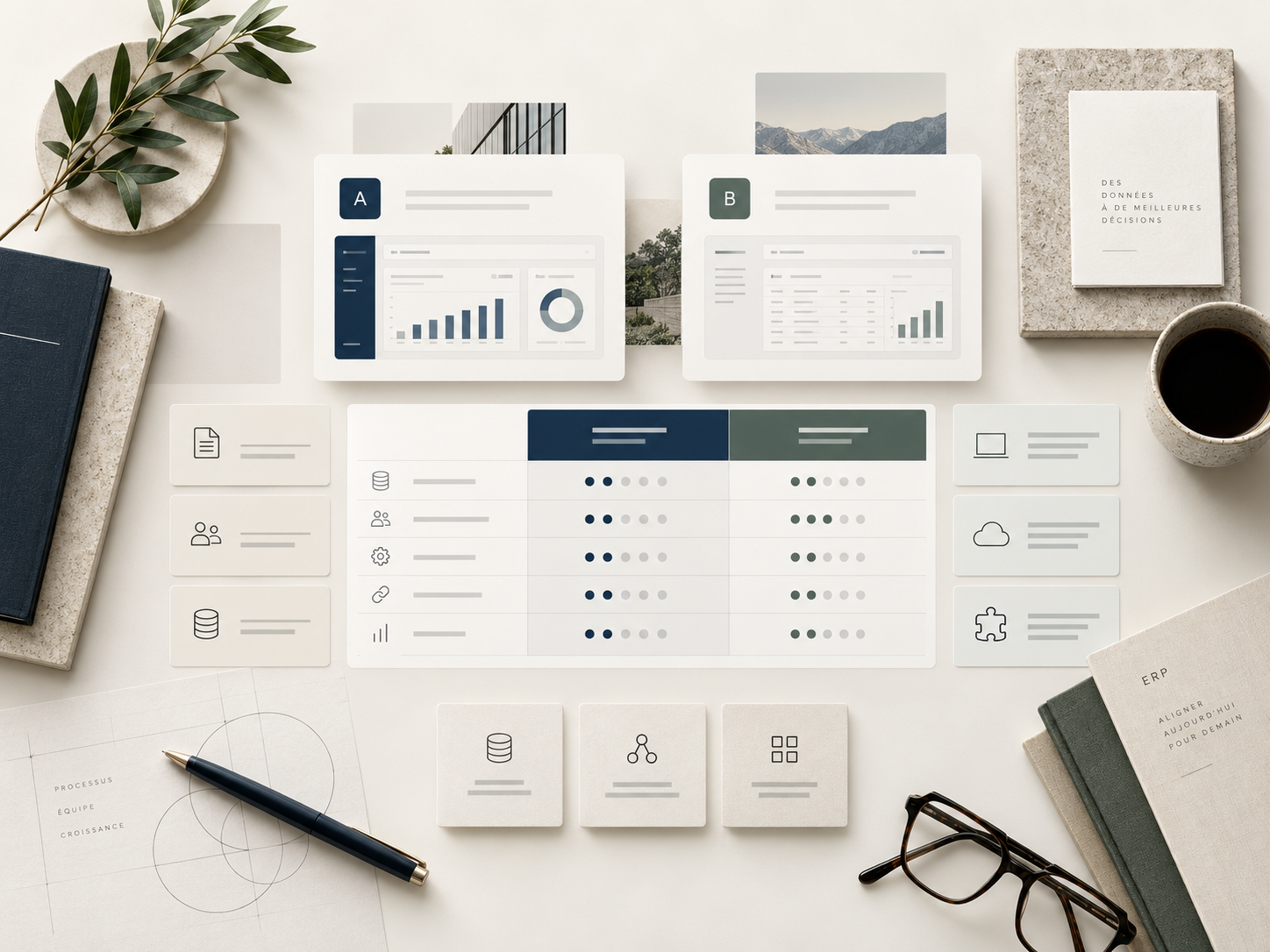
11. Use weighted scoring, not a simple average
Not every criterion has the same importance. A regulatory requirement or a core manufacturing process can be a blocker even if a solution has a strong overall average.
A possible structure: functional fit 20%, architecture 10%, integrations 10%, data 10%, implementation partner 12%, implementation risk 8%, adoption 5%, total cost 10%, commercial terms 5%, plus company-specific criteria.
The PlanAxion scorecard helps formalize this type of evaluation.
12. Finish with a documented gaps list
At the end of the demo, every unproven item should become an action: a question to confirm, an additional test, a document to receive, a proof of concept or a commitment to include in the proposal.
Assign an owner and date to every critical gap. Nothing important should disappear simply because the demo ended.
25 questions to ask during an ERP demo
- Can you execute this scenario from start to finish?
- Is this capability standard?
- What configuration is required?
- Does it require an extension?
- Does it require custom development?
- What depends on a third-party product?
- What happens in this exception?
- How many steps does the user perform?
- Can those steps be automated?
- How are approvals handled?
- How does this work across multiple sites?
- How are roles and permissions managed?
- How does the ERP connect to our critical system?
- Who builds and maintains that interface?
- Is it included in the estimate?
- What data must be prepared?
- What history can be migrated?
- How are errors detected?
- Which reports are standard?
- Which product limits should we know about?
- Have you delivered this scenario in our industry?
- Which part of this demo was customized for us?
- What assumption are you making here?
- Can you document that answer?
- What still needs to be validated before we consider this requirement covered?
A demo is not enough to select an ERP
A demonstration is one source of evidence among several. The final decision should also include the RFP, references, implementation partner, architecture, data, total cost, risk and commercial terms.
PlanAxion supports organizations on the client side by defining scenarios, controlling demos, documenting evidence and turning results into a comparable decision.
Frequently asked questions
Who should attend an ERP demo?
Relevant process owners, IT, the project lead and the decision-makers needed to validate important trade-offs. Not everyone needs to attend every session.
How many ERP solutions should reach the demo stage?
Vendors at this stage should already have passed a shortlist. The goal is to evaluate a few credible options deeply rather than run many superficial presentations.
How long should an ERP demo last?
It depends on the number of critical scenarios. A useful demo is organized by process and leaves enough time for exceptions, questions and scoring.
Should the vendor choose the demo content?
The vendor can present differentiators, but critical scenarios and evaluation criteria should be defined by the client.
How do you compare two ERP demos?
Use the same scenarios, criteria and scoring scale. Document evidence, gaps and assumptions for each solution.
Is an ERP demo enough to select a system?
No. It should be combined with proposal analysis, implementation-partner evaluation, total cost, risks, references and contract terms.
What is the difference between a demo and a proof of concept?
A demo shows how the product handles defined scenarios. A proof of concept usually goes deeper on a specific risk using configuration, data or integrations closer to the client's environment.
Primary source: PlanAxion's client-side ERP selection methodology. See also the ERP Selection Scorecard, ERP RFP & Vendor Selection and Independent ERP Selection.